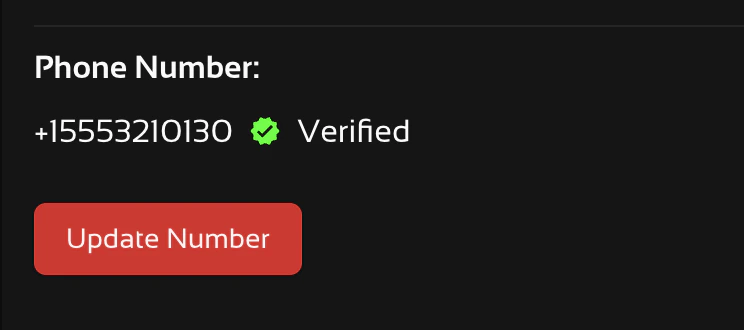
You must verify your phone number for each organization you are a part to receive messages from them. If you are a member of Org A and Org B and only verify your number with Org A, you will only be eligible to receive notifications for Org A until you also verify your number with Org B.
Add a Phone Number to Your Account
1
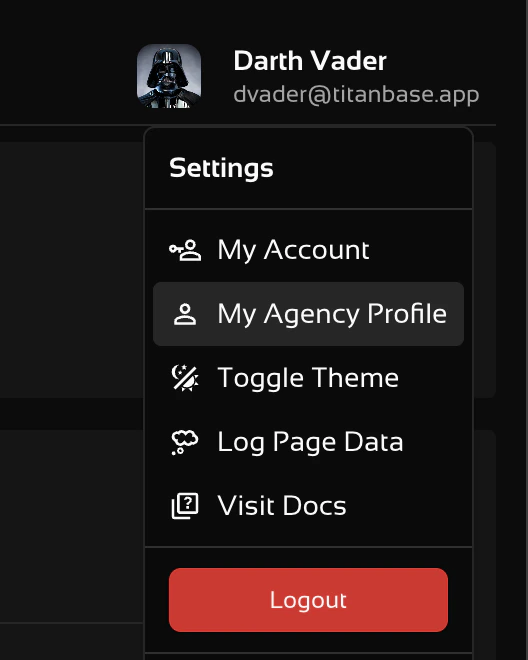
Navigate to your Agency Profile by clicking on your user name and avatar.
2
Enter Your Mobile Phone Number
Click on the “Notifications Tab” to reach this screen.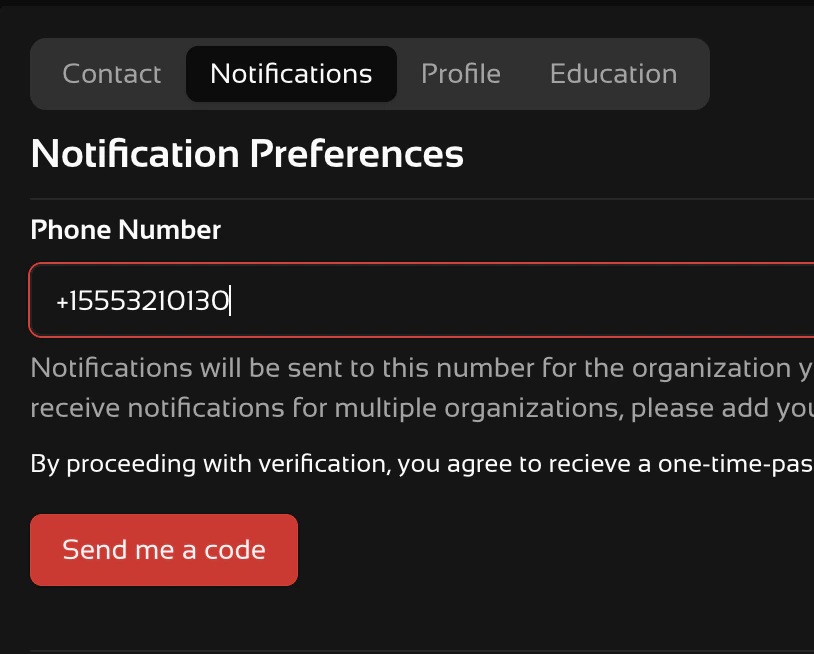
Only US (+1) numbers are accepted. You will not be able to verify unless you use +1XXXXXXXXXX format.
3
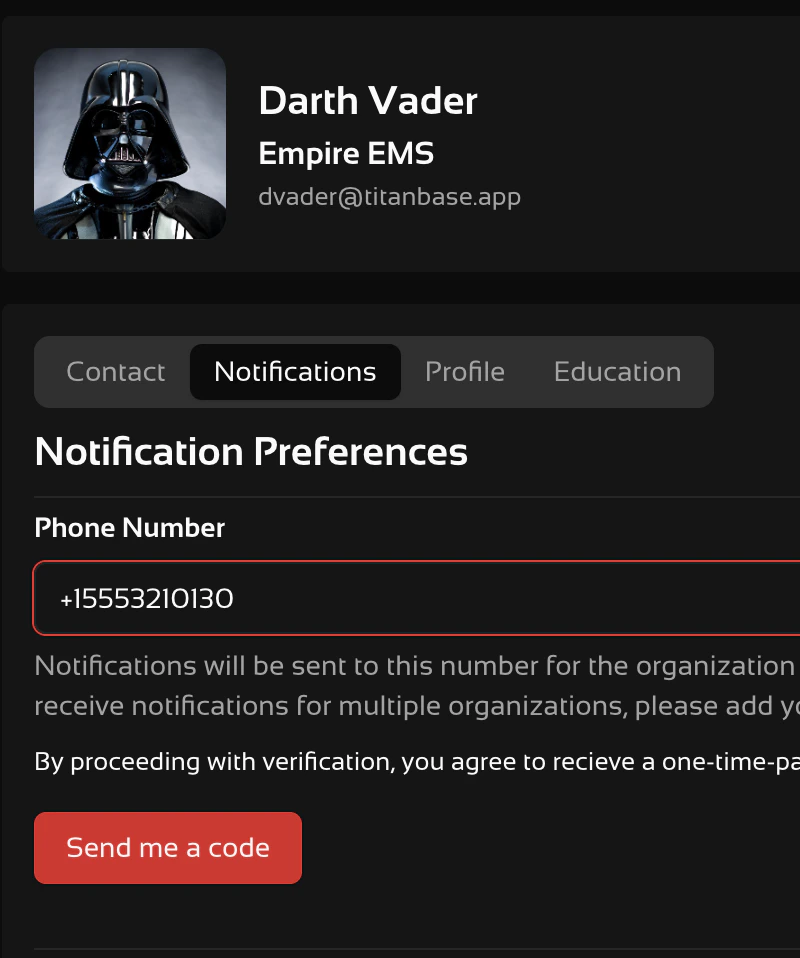
Click on "Send Me a Code"
4
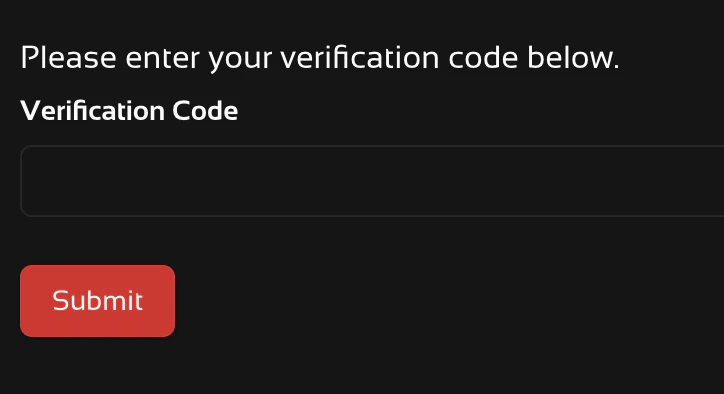
Check Your Phone for a Code & Enter It
5
Make Sure You are Verified
If verification is successful you will receive a text message with the following message.
[Titanbase] You have successfully verified your phone number. Reply STOP to opt out of these messages at any time.You should also see a verified mark beside your phone number.
Update or Verify an Existing Number
If you already have a number on your user profile click on “Update Number” to verify it.